Start with the financial workflow, not the attachment
Finance teams may receive supporting documents, send reporting packages and exchange evidence with auditors. Each handoff has a different owner and access boundary. Write down what is being sent, why the recipient needs it and what confirms receipt. Avoid putting sensitive client identifiers into public URLs, package titles or notification subjects.
| Workflow | Operational requirement | Acceptance check |
|---|---|---|
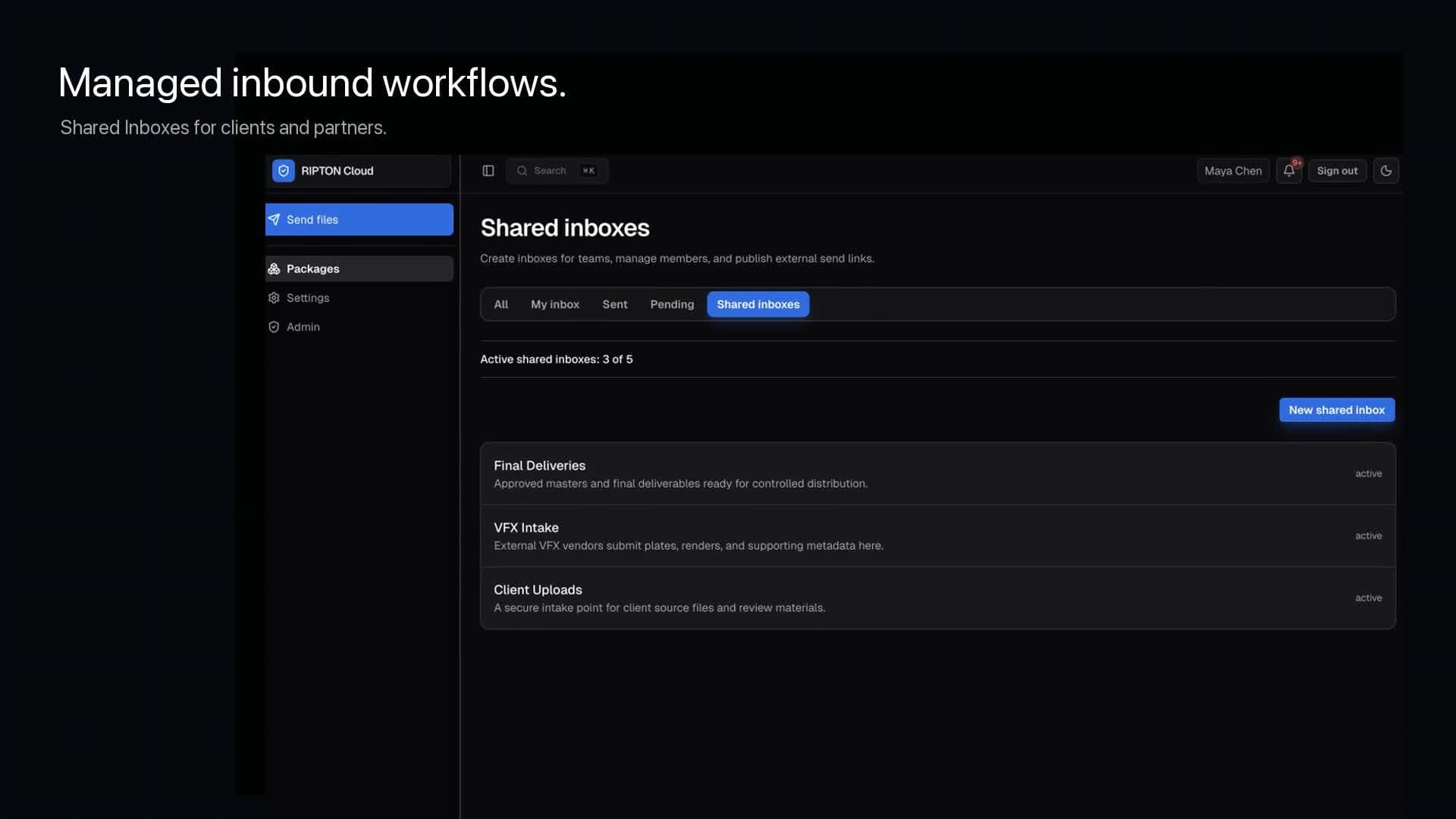
| Client document intake | A controlled destination with an assigned receiving team | The submission is complete and belongs to the intended engagement |
| Prepared reporting package | A known version delivered to named recipients | The recipient can access and use the intended files |
| Audit evidence handoff | An agreed scope and access window | The auditor confirms receipt and the owner records outstanding items |
| Recurring partner delivery | A documented deadline and exception owner | Failures and missing deliveries reach an operator |
Separate permission to upload from permission to read
An external submitter should not automatically gain access to other clients' files. Likewise, permission to download one reporting package should not imply access to a general team folder. Test with intended and unintended identities, not just an administrator account that can see everything.
- Name a business owner and a backup for each receiving destination.
- Define which people may submit, review, download and change access.
- Check link lifetime and revocation in the configured workflow.
- Route received material through the organization's approved review and security process before use.
- Keep credentials and encryption keys out of the same message as an unprotected delivery.
Keep a handoff record that an operator can use
A useful record connects the business request to the package, sender, authorized recipient and observed result. Separate the time the package was created, the time its upload finished and the time the recipient accepted the delivery. Ask what the product records and how long those records remain available; do not assume transfer logs are a permanent archive.
Engagement or request reference (non-sensitive):
Package identifier and intended version:
Business owner / backup:
Authorized recipient and access window:
Expected file count and total size:
Transfer completion evidence:
Recipient acceptance / outstanding items:
Retention owner and approved disposition:
Exception and escalation contact:
Plan closure and retention separately
Expiry of a delivery link is not deletion of all stored copies. Revoking access cannot recall files already downloaded by a recipient. The source, staging location, recipient copy and activity record may each need a different handling policy. Have the appropriate security, records and legal owners approve the requirements for the data and jurisdiction involved.
Ripton should be evaluated as a file-movement and handoff layer. Do not assume compatibility with a bank's mandated protocol, a payment-submission system or an archival requirement simply because both processes involve files. Those are separate integration and approval questions.
Run a non-sensitive pilot before using client data
- 1Choose one representative handoff and use synthetic documents, not live financial or personal records.
- 2Verify that the intended sender can submit and that unrelated users cannot access the delivery.
- 3Confirm the receiving team can find the files and reconcile their expected count and integrity.
- 4Test expiry or revocation, then check an entirely new access attempt.
- 5Document the evidence, gaps and operational owner before asking for production approval.
- Ripton financial-services evaluation
Scope and security-review boundaries for the product.
- Roles and access control
Review documented roles and resource permissions.
- Ripton security
Inspect the published controls; validate the exact deployment with your security team.