Partners change frequently
Vendors, customers, auditors, artists, labs, and service providers may need access for one delivery rather than ongoing membership.
Secure partner exchange
Ripton Cloud gives internal teams a controlled way to send packages to external recipients and receive partner uploads while keeping identity, expiry, revocation, and package state visible to operators.
External access is narrow, time-bounded, and subject to current package and delivery policy.
How your files move
Workflow example
Consider an internal team handing prepared files to a service provider, then receiving the finished package. Outbound delivery and inbound intake use separate access scopes.
Choose the external recipient and supported package controls, including the intended access lifetime. The recipient uses the approved download flow.
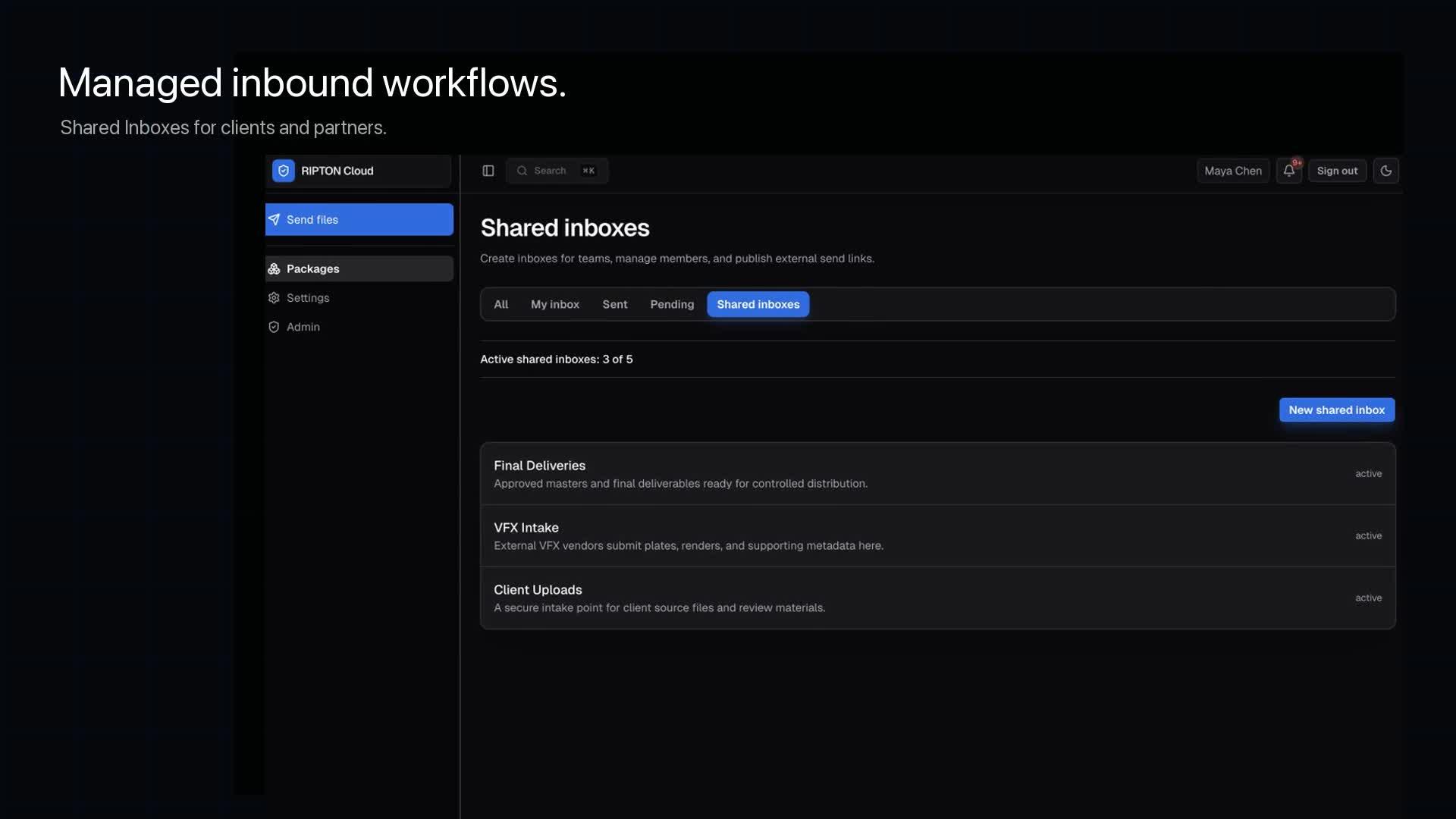
Invite the provider to a Shared Inbox for the return upload. Keep this permission separate from access to the original package.
Review delivery state and external activity. Remove the inbox invitation when the relationship ends and verify the applicable expiry or revocation behavior.
Test both a permitted transfer and a denied access attempt. Revocation controls future access; it cannot recall files a recipient has already downloaded.
External collaboration
External exchange becomes risky when access is permanent, recipient identity is unclear, links cannot be revoked, or teams cannot distinguish an approved delivery from an informal share.
Vendors, customers, auditors, artists, labs, and service providers may need access for one delivery rather than ongoing membership.
Receiving a package and releasing a package need distinct scopes, policies, destinations, and operational review.
Expired, canceled, blocked, failed, unreleased, or removed resources should not remain usable because an old link still exists.
Workflows
Deliveries · recipients · download policies
Release an approved package through a passcode-protected external flow with package- and recipient-scoped policy checks.
Guest uploads · shared destinations · approval
Invite an external collaborator to upload into an approved shared inbox through an expiring invitation flow.
Expiry · revocation · audit identity
Resend or rotate invitations, remove access, inspect package state, and review external activity without creating a named employee account.
Ripton Cloud in the workflow
Possession of a link is not treated as general platform authorization. The exchange flow remains constrained by token scope, resource identity, expiry, and current package or delivery state.
Approved passcodes or invitations exchange for signed, time-bounded credentials scoped to the intended package operation.
Package and delivery status, recipient binding, expiry, MFA policy, download limits, and fallback policy are evaluated when access is used.
Shared-inbox collaborator invitations can expire, be rotated and resent, or be removed before another exchange is allowed.
External activity is recorded as an external actor with package and, where available, delivery or recipient context.
Product boundary
Ripton controls access to packages and shared-inbox uploads. It does not claim to provide CRM, contract management, procurement, case management, or a complete extranet.
Evaluation path
Verify invitation, authentication, upload or download, notification, audit, expiry, revocation, and support behavior as one end-to-end flow.
Identify who sends, who receives, the package type, destination, approval owner, and expected access lifetime.
Run invitation, authentication, transfer setup, delivery, notification, and operator review with representative files.
Test expiry, invitation removal, package cancellation, recipient mismatch, download limits, and invalid credentials.
Confirm audit identity, events, support visibility, retention, and the responsibilities retained by each organization.
Related
The inbound half, step by step.
Open →The outbound half for a recipient without an account.
Open →Models, scans and issue sets between firms and sites.
Open →What utility, airport and defense clients ask, and the questions to put to any tool.
Open →FAQ
Not for supported guest package and shared-inbox upload flows. External guests are temporary, token-only actors and do not become named users.
A valid token is not sufficient by itself. Ripton reloads current package and delivery state, and denies blocked, canceled, failed, missing, expired, or unreleased resources.
This page does not make a universal malware-scanning claim. Content inspection and quarantine requirements should be mapped to the customer’s validated processing and security controls.
Technical evaluation
We will map the recipient, package, access lifetime, approval, notifications, revocation, and audit evidence around a representative exchange.