Distance adds delay
Long round trips slow acknowledgement-driven recovery and make ordinary transfer behavior less predictable.
High-speed large-file transfer
Ripton Cloud is built for large transfers that have to cross distance, latency, loss, and operational pressure—without asking every operator to learn a command line.
No generic speed promise. We evaluate your workload, endpoints, and route.
How your files move
Workflow example
Consider a prepared export that must reach another facility before processing can begin. The useful comparison is completed delivery on that route—not a headline speed in isolation.
Choose a representative file or directory. Record total bytes, file count, source and destination storage, and the required delivery window.
Run your current transfer method and Ripton with the same workload and comparable conditions. Record versions, configuration, RTT, loss, and competing traffic.
Compare elapsed time and completion evidence. Include storage constraints and supported interruption recovery in the technical review.
The calculator can help plan an evaluation, but its estimates are not measured performance. Use a completed test on your own path to make the buying decision.
The transfer problem
Conventional TCP-based tools can become increasingly inefficient as round-trip time and packet loss rise. The result is a transfer window defined by network conditions instead of the bandwidth already available.
Long round trips slow acknowledgement-driven recovery and make ordinary transfer behavior less predictable.
Even modest packet loss can reduce useful throughput on a long-distance path.
Teams retry jobs, split packages, ship drives, or wait through delivery windows they cannot confidently estimate.
Workflows
Media masters · archives · dataset bundles
Move one large file or a structured package between facilities, remote teams, or partner environments.
Image sequences · research output · project trees
Keep directory structure intact while moving workloads made up of many files through a guided desktop flow.
Migration exports · initial seeds · delivery batches
Use Ripton as the movement layer when an export, seed, or handoff must fit an operating window.
Ripton Cloud in the workflow
The product earns its place by moving prepared data between endpoints—not by claiming ownership of every system around it.
The transfer layer is designed for high-latency, lossy, and long-distance conditions where conventional TCP workflows can underuse the link.
Packet payloads are encrypted and authenticated as part of the protocol; plaintext transfer is not an operator option.
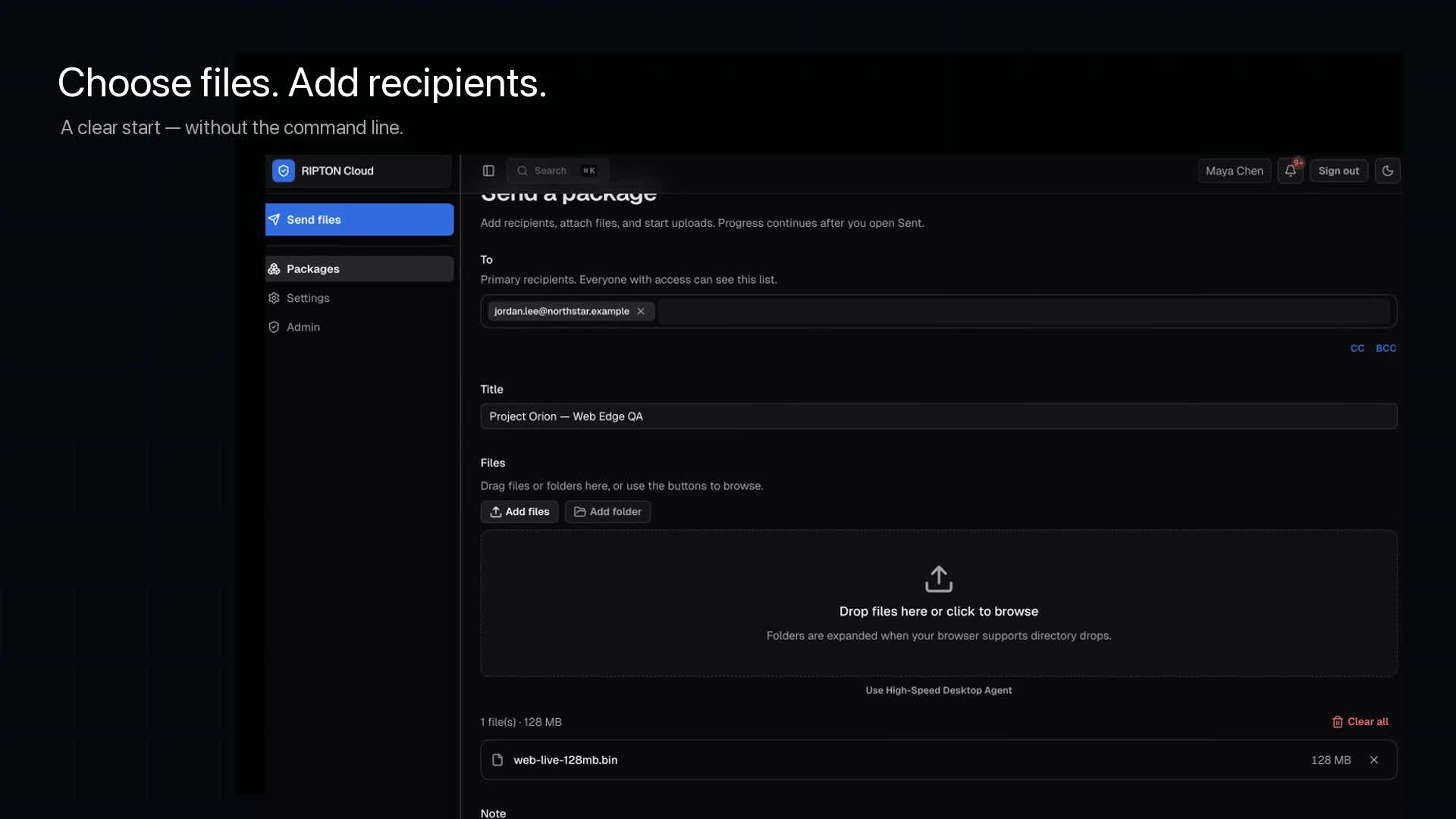
Teams can create and follow transfers without requiring every user to manage protocol flags or scripts.
Compare the same workload on the same route and document the files, endpoints, network conditions, version, and timestamps.
Product boundary
Ripton Cloud moves files between prepared endpoints. It is designed to fit into the systems you already use without pretending to replace every surrounding workflow.
Evaluation path
A useful benchmark records the workload, endpoints, network conditions, software versions, and timestamps—not just the best number on a screen.
Record the source, destination, available bandwidth, latency, loss, endpoint hardware, and storage behavior.
Run a representative file set with the current tool and capture elapsed time, throughput, failures, and operator effort.
Repeat the same workload on the same route using an agreed configuration and software version.
Compare performance, reliability, security behavior, and operational fit with the people responsible for the workflow.
Related
The protocol behaviour behind the benchmark, in plain terms.
Open →Budget bandwidth, concurrent jobs and transfer windows.
Open →Separate audience distribution from controlled package delivery.
Open →How long field uploads should take and why they stall.
Open →FCC survey and make-ready clocks, and where pole data loses days.
Open →What each model costs from 500 GB to 15 TB a month, from published prices.
Open →Deployment and pricing model side by side, from FileCatalyst's pages.
Open →Two weeks on your route against your current tool, at no cost.
Open →FAQ
No universal throughput should be promised. Results depend on the route, bandwidth, loss, latency, endpoints, storage, workload, hardware, and configuration. That is why Ripton Cloud evaluates the buyer’s actual or representative path.
Ripton Cloud is an alternative data-movement workflow, not a claim of wire-protocol compatibility with every FTP or SFTP integration. The surrounding process should be reviewed during evaluation.
Yes. A focused proof of concept should use a representative workload and document the conditions so your technical team can review the result.
Technical evaluation
Bring the current route, workload, and baseline. We will help you define a focused comparison your technical team can inspect.