What is inbound file sharing?
Inbound file sharing lets people outside your organization send files to a destination your team manages. It reverses the usual outbound download link: the key questions are who may upload, where the files land, who reviews them and when access ends. A receiving workflow needs more than an upload button.
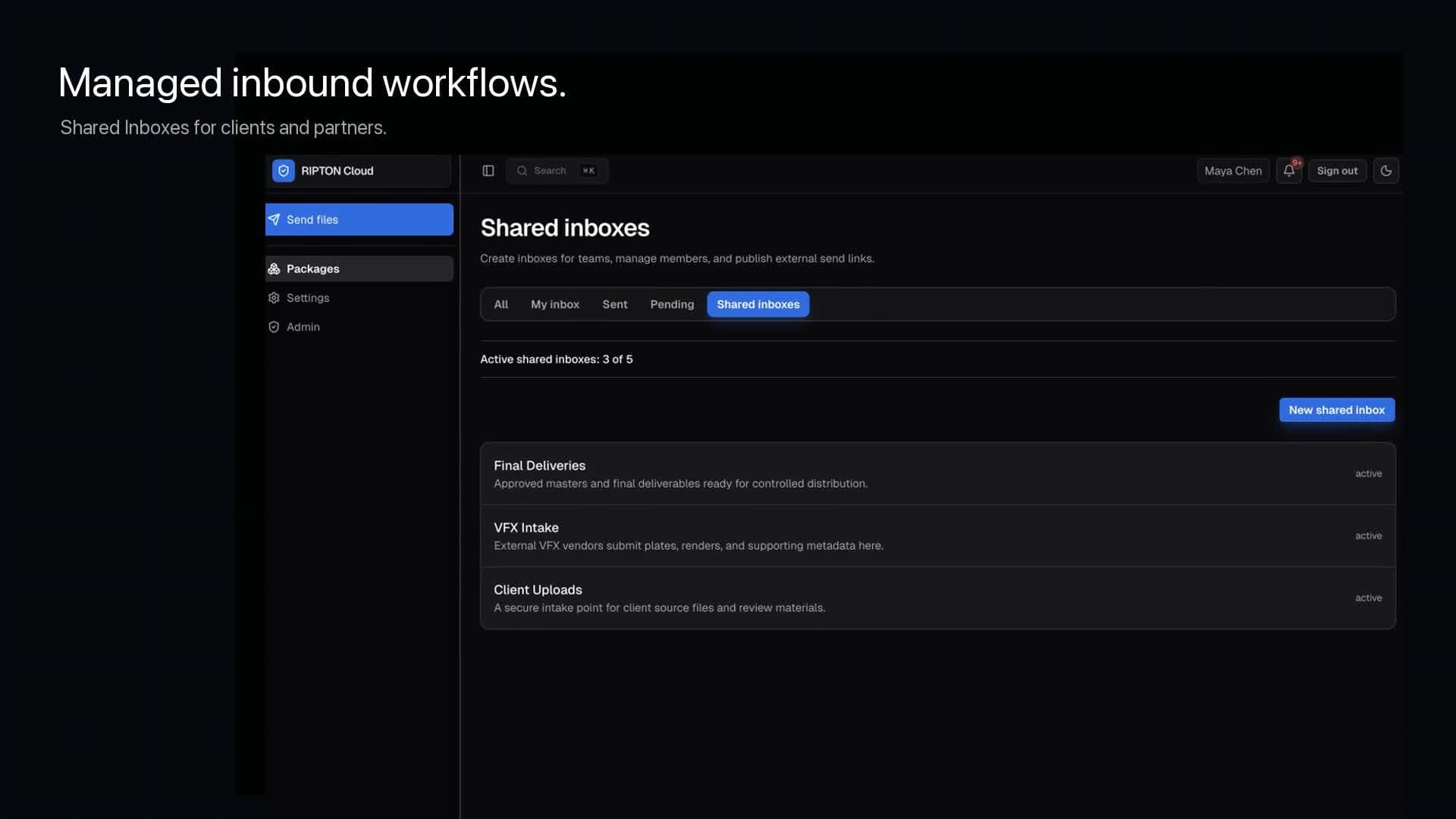
For a recurring client or vendor, evaluate a Shared Inbox with a named manager and a backup owner. For an occasional handoff, evaluate the supported public-upload entry point under your policy. Keep permission to submit files separate from permission to browse or download other deliveries.
- Agree the expected package name, file types, total size and delivery deadline.
- Tell the sender how to confirm completion and who to contact when an upload fails.
- Route received files through your organization's validation and security process before downstream use; this guide does not claim built-in malware scanning.
Choose the handoff before choosing a link
A production vendor returning media, a research collaborator delivering a dataset and an agency uploading campaign assets share an operational problem: someone must own the delivery and decide who can do what. Write down the sending organization, receiving team, intended files and deadline before opening external access.
| Need | Ripton workflow to evaluate | Check before rollout |
|---|---|---|
| Send a prepared package to a named partner | Recipient-based package delivery | Recipient identity and download policy |
| Receive repeat vendor deliveries | Shared Inbox | Manager, membership and external upload scope |
| Offer an external upload or download entry point | Public links where enabled | Link policy, expiry and revocation behavior |
| Trigger downstream processing | Supported automation and webhooks | Event semantics, authentication and failure handling |
Onboard with an owner and a defined scope
- 1Name a receiving-team owner and backup. Agree who monitors incoming packages and responds to failures.
- 2Define whether the partner needs upload, download or both. Keep outbound access separate from return-delivery permission.
- 3Use a non-sensitive sample and verify the intended partner can complete the workflow under the proposed policy.
- 4Record who approves access changes and when the relationship should be reviewed or closed.
In Ripton, evaluate Shared Inboxes for recurring team intake and the supported public-link flow for external entry points. The linked product guides describe the operator steps. Your organization's classification, retention and legal requirements still need their own review; this checklist does not establish regulatory compliance.
Test the handoff, not just the upload button
| Acceptance check | Evidence to retain |
|---|---|
| Authorized sender uploads the intended package | Package ID, expected file count and completion state |
| Receiving team can find and use the files | Recipient download check and integrity result |
| Unintended user cannot access the package | Denied-access outcome without exposing sensitive data |
| Expiry or removal behaves as configured | New access attempt after the control takes effect |
| A failed handoff has an owner | Escalation contact and recovery procedure |
Package creation is not proof that the upload finished. Notification delivery is not proof that the recipient downloaded the files. Agree which completion evidence your receiving process needs, and verify it with a sample before sending a business-critical delivery.
Close access cleanly, then automate repeat work
When the engagement ends, review invitations and links, remove access that is no longer required and verify a fresh access attempt. Revoking future access cannot recall a copy already downloaded by a partner. Handle those copies through your agreed data-handling process.
Once manual delivery works, define the event that should start the next process. For an API or webhook integration, test missing permissions, repeated events, failed processing and reconciliation before relying on it. Confirm the event and API support in your installed release; a webhook alone does not make downstream processing exactly once.
- Set up a Shared Inbox for vendor deliveries
Existing product guide for the receiving-team workflow.
- Review API and CLI access
Check credential scope and documented automation interfaces.
- Review roles and folder access
Separate administrator roles from resource-specific permissions.